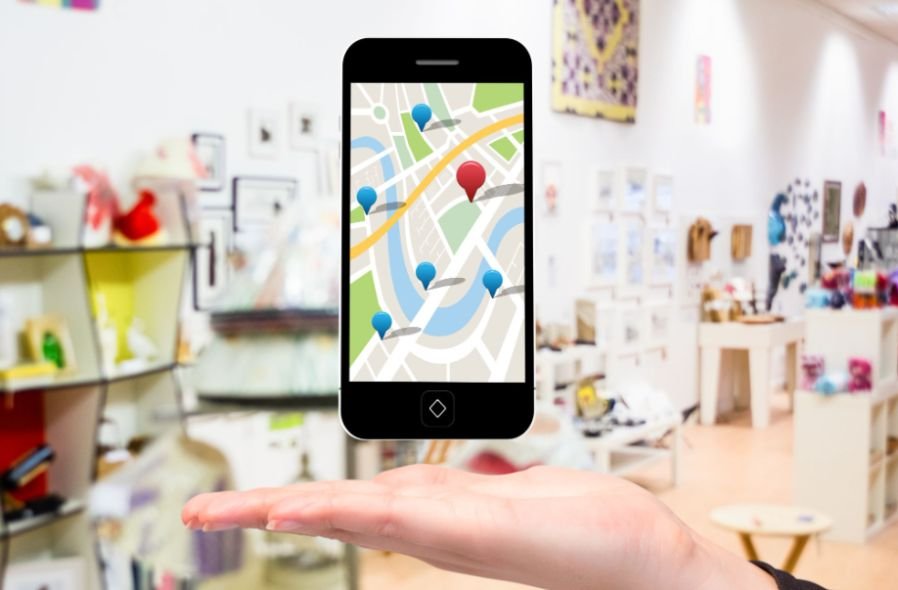
My business may be open, verified, and ready to serve customers, yet still seem completely absent when people search nearby. That gap between being active offline and invisible online can cost calls, visits, and valuable leads. When I ask why my business is not showing on Google Maps, I need to look beyond one simple explanation.
The problem may involve an incomplete Google Business Profile, a suspension, incorrect business details, a duplicate listing, a weak primary category, or an improperly configured service area.
Sometimes the profile is live but appears only for branded searches because competing businesses have stronger local relevance and prominence. By identifying whether the issue involves eligibility, profile status, or ranking strength, I can fix the real cause instead of making random changes that may delay visibility even further.
How Do I Check My Google Business Profile Status?
I open my Google Business Profile while signed in to the account that manages the company. Google says only verified businesses can display information on Search and Maps. If I see “Get verified,” I complete the method Google offers.
Google may request email, phone, text, video recording, live video, or mail verification. Google automatically determines which options are available, so every business will not receive the same verification methods.
Why Has Google Suspended or Disabled My Listing?
A suspended or disabled notice usually means Google has restricted the profile for a guideline or account issue. Problems may include an inaccurate business name, an ineligible address, misleading information, or duplicate profiles.
Before appealing, I use the company name displayed on real signage and official documents, confirm the address, and remove unnecessary keywords. I then submit an appeal with the requested evidence.
I do not create a replacement listing while the appeal is being reviewed. Google advises business owners to fix guideline violations and use its official appeal process when a profile has been suspended or disabled.
Why Does My Business Disappear When I Zoom Out?
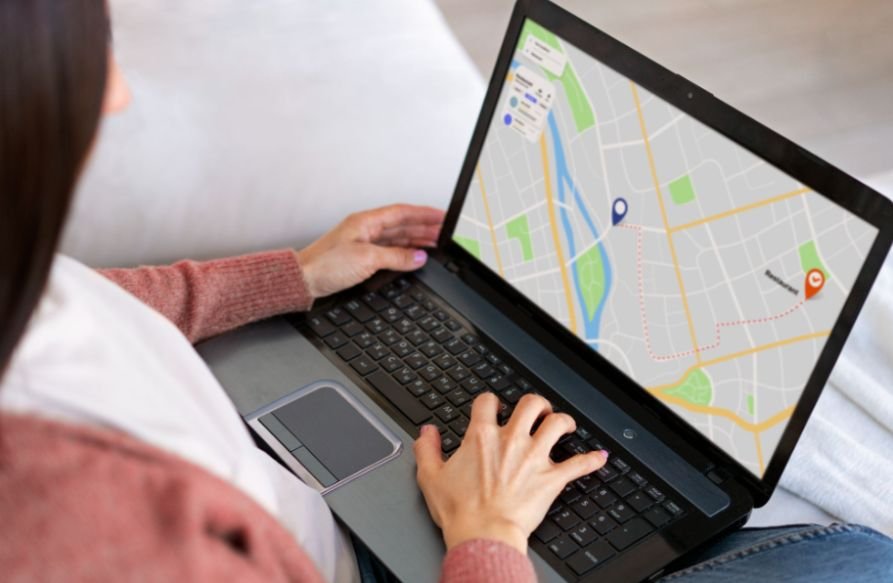
Google Maps cannot display every business label at every zoom level. If my company appears through an exact-name search but disappears while I browse a wider area, I do not automatically assume the profile is broken.
The listing may simply be less prominent than nearby competitors. Google explains that local results mainly depend on relevance, distance, and prominence. I can improve relevance and prominence, but I cannot control where the searcher is located.
Can Incorrect NAP Details Hurt My Google Maps Visibility?
Inconsistent name, address, and phone information can make it harder for Google and customers to identify the correct company. I compare my profile details with my website, state registrations, social profiles, and trusted business directories.
I verify the ZIP code, suite number, operating hours, website URL, phone number, and map pin. I use the same legitimate business name everywhere and avoid adding city names, slogans, or services unless they are genuinely part of the real-world name.
Google requires businesses to represent themselves consistently and accurately. Keyword stuffing the business name can create profile-quality issues instead of improving local rankings.
Is a Shared Address Filtering My Business Listing?
Businesses in office buildings, medical centers, shopping plazas, and co-working locations may share an address. When several companies at one location use similar categories, Google may filter one from certain searches or struggle to distinguish the businesses.
I add the correct suite or unit number when it forms part of the official address. I also use a unique business phone number, accurate categories, permanent signage, and a website that clearly identifies the location.
I avoid P.O. boxes, remote mailboxes, and virtual offices that do not meet Google’s eligibility rules. A co-working location must represent a real business presence rather than an address rented only to create a Maps listing.
Did I Choose the Wrong Primary Business Category?

My primary category should describe the main service customers hire me to provide. I choose the most specific, accurate option available.
For example, I may choose “Kitchen Remodeler” instead of “General Contractor” when kitchen remodeling is genuinely the company’s core service. A precise category helps Google understand which searches match the business.
I add secondary categories only for real additional services. I also complete the description, services, and hours. Selecting unrelated categories does not guarantee more exposure and may weaken the profile’s relevance.
Is My Service-Area Business Set Up Correctly?
If I travel to customers and do not receive them at my address, I configure the listing as a service-area business and hide the street address from the public. I then select the cities, ZIP codes, or regions I genuinely serve.
Service areas explain where I operate, but they do not guarantee rankings in every selected location. I still keep a real operating address for verification, even when that address remains hidden from customers.
Following proven local SEO for businesses without a storefront practices can help me configure service areas correctly, strengthen location relevance, and improve visibility in the communities where I genuinely provide services.
Could Ownership or a Duplicate Profile Be the Problem?
A former employee, previous owner, franchise manager, or marketing agency may already control the profile. In that situation, I request ownership of the existing listing instead of creating another one.
I also search Google Maps using old business names, previous addresses, and alternate phone numbers. Google allows only one profile for each business. If it identifies another listing as a duplicate, that profile may not appear on Search or Maps.
Resolving the ownership or duplication problem protects existing reviews and prevents the company’s local signals from being divided between multiple listings.
How Can I Improve My Google Maps Ranking?

Once the profile is verified and eligible, I focus on local search authority. I complete every useful field, choose accurate categories, connect a locally relevant website, and keep business details consistent across reputable directories.
Understanding static website vs dynamic website for small business can also help me choose a site structure that supports fast loading, clear service information, easy updates, and stronger local search relevance.
I ask genuine customers for honest reviews at a steady, natural pace and respond professionally. I never purchase reviews or reward customers only for positive feedback.
I also upload current photos and videos of the storefront, team, products, or completed work. Useful media can improve customer confidence and profile quality, but uploading large numbers of images does not guarantee a higher ranking.
How Long Will It Take for My Business to Appear?
Verification, major profile edits, address changes, appeals, and duplicate resolutions may require additional review. Even after a listing becomes publicly visible, competitive local rankings usually improve gradually rather than overnight.
While I wait, I avoid repeatedly changing important information. Instead, I monitor the profile status, respond to Google’s requests, improve the website, and continue earning legitimate reviews, local links, and business mentions.
Frequently Asked Questions
1. Why is my business not showing on Google Maps after verification?
The profile may still be under review, affected by recent edits, restricted by a policy issue, or ranking below nearby competitors. I search the exact business name and check the profile status while signed in.
2. Why Can Customers Find My Business Name but Not My Services?
That usually means the listing is active but ranks poorly for discovery searches. I improve category accuracy, profile completeness, website relevance, reviews, and local authority.
3. Should I Create a New Profile When My Listing Disappears?
No. I first check verification, ownership, suspension, and duplicate status. A second profile can create further conflicts and separate existing customer reviews.
4. Do Photos and Reviews Guarantee a Top Google Maps Ranking?
No. Reviews and media can support customer trust and profile quality, but Google still evaluates relevance, distance, and prominence.
Final Thoughts
I solve Google Maps visibility problems by diagnosing the listing before trying random optimization tricks. Verification, policy compliance, ownership, accurate NAP details, address eligibility, categories, and duplicate profiles come first.
Once those foundations are correct, I strengthen the company with a useful local website, consistent information, genuine reviews, and current media.
Understanding why my business is not showing on Google Maps helps me choose the right solution instead of making unnecessary changes. My goal is to make the business easy for Google to verify, understand, and confidently present to nearby US customers.