I still remember reading about a small online business that lost hundreds of loyal customers after a data breach. What stood out wasn’t the financial loss. It was how quickly trust disappeared. Customers who had spent years buying from the brand suddenly questioned whether their personal information had ever been safe. That story changed the way I looked at website security. It’s easy to think cyberattacks only happen to large companies until you realize attackers rarely care about the size of a business. They care about finding an easy way in.
Since then, I’ve noticed that protecting customer data isn’t about adding one security tool and forgetting about it. It’s about making dozens of small decisions that work together. Every update, every login policy, and every piece of customer information you choose to collect can either strengthen your website or quietly create another opportunity for someone to exploit it.
Why Customer Data Needs Protection Before Problems Appear
Customer information has become one of the most valuable assets a business owns. Names, email addresses, phone numbers, shipping details, and payment information can all be useful to cybercriminals. Once attackers gain access, they may steal data, install malware, or use compromised accounts to launch additional attacks.
The biggest mistake many businesses make is waiting until something goes wrong. Recovering from a data breach often costs far more than preventing one. Beyond financial losses, businesses also face damaged reputations, customer complaints, legal obligations, and lost confidence that can take years to rebuild.
That’s why website security should be treated as an ongoing business responsibility rather than an occasional technical task.
Start With a Secure Foundation
Every secure website begins with encrypted communication. Installing an SSL/TLS certificate ensures information exchanged between visitors and your website cannot be easily intercepted while traveling across the internet. When customers see HTTPS in the address bar, they know the connection is encrypted.
Choosing reliable hosting also matters. Quality hosting providers actively monitor their infrastructure, apply security updates quickly, and provide tools that make responding to threats much easier than trying to manage everything manually.
Keeping your content management system, themes, plugins, and server software updated is equally important. Many successful attacks happen because businesses continue using software with vulnerabilities that already have public fixes available.
Collect Less Customer Data
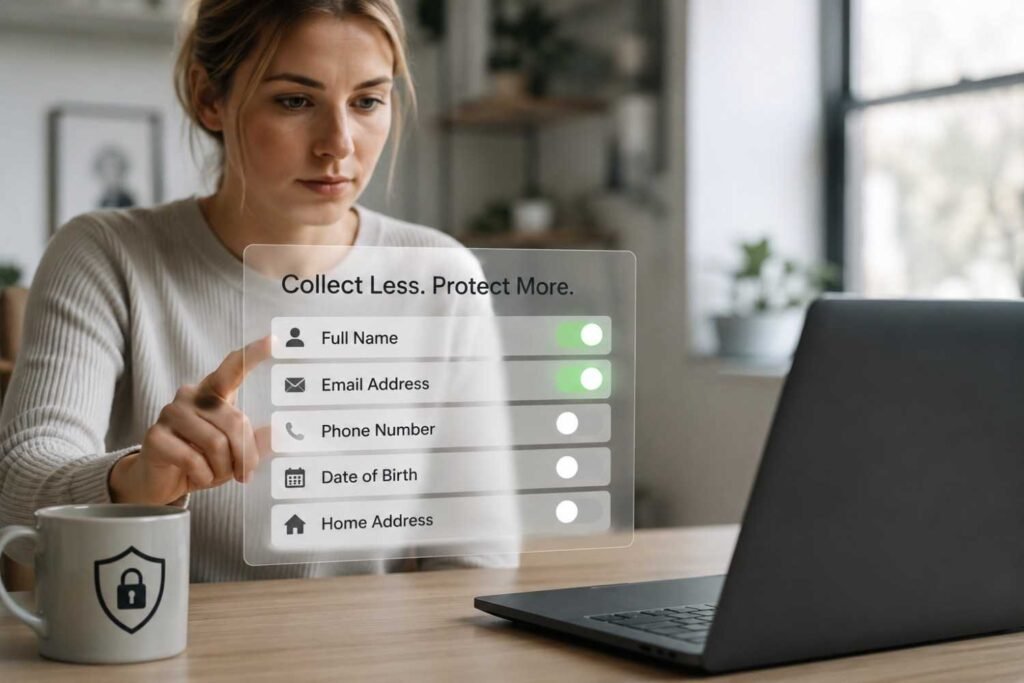
One lesson many organizations have learned is that you cannot lose information you never collected.
Instead of asking customers for every possible detail, only request information that’s genuinely necessary to complete a purchase or provide a service. This approach not only improves privacy but also reduces the amount of sensitive information attackers could potentially access.
Review stored customer records regularly and remove outdated information that no longer serves a business purpose. Smaller databases are easier to secure and easier to manage.
Control Who Can Access Sensitive Information
Not every employee needs access to every customer record.
Using role-based access control allows businesses to give employees only the permissions required for their specific responsibilities. A customer support representative may need access to order history, while financial records remain restricted to authorized personnel.
Multi-factor authentication should also be enabled for administrator accounts and any account that can access sensitive information. Even if a password is stolen through phishing or another attack, an additional verification step makes unauthorized access much more difficult.
Strong password policies remain one of the simplest and most effective cybersecurity best practices. Encouraging long, unique passwords significantly reduces common security risks.
Protect Data Wherever It’s Stored
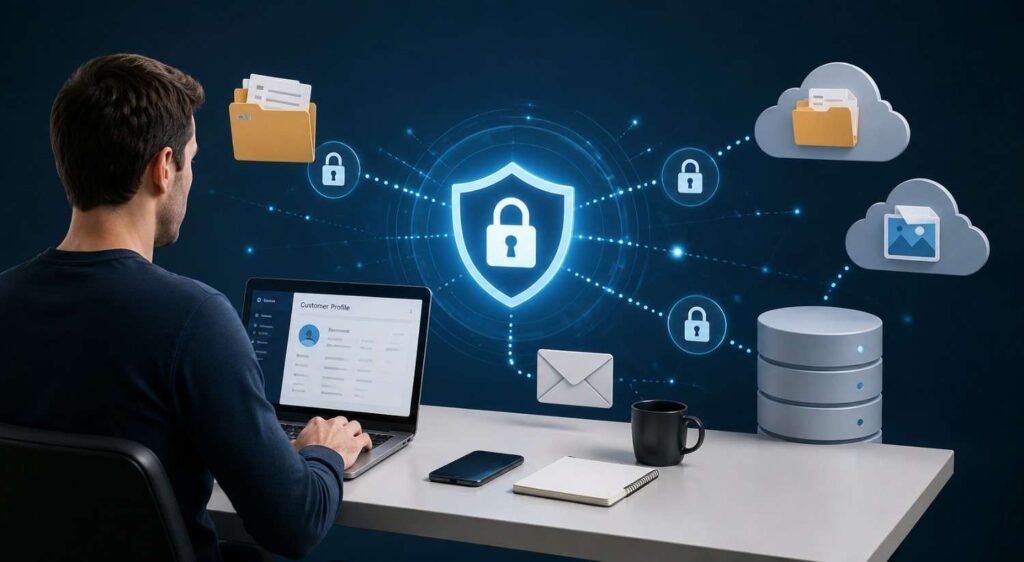
Securing information during transmission is only part of the process. Customer data should also remain protected while stored in databases and backups.
Modern encryption standards such as AES-256 make stored information extremely difficult to read without the proper encryption keys. If unauthorized access ever occurs, encrypted data becomes far less useful to attackers.
Payment information deserves even greater attention. Instead of storing raw credit card details, businesses should rely on trusted PCI-compliant payment processors such as Stripe or PayPal. These providers specialize in payment security and reduce the responsibility of handling highly sensitive financial data directly.
Reduce Your Website’s Exposure
Every plugin, third-party integration, unused account, or outdated application creates another opportunity for attackers.
One of the most effective ways to strengthen website security is reducing unnecessary complexity. Removing inactive plugins, disabling unused administrator accounts, and reviewing external integrations regularly helps shrink potential entry points.
This is also where website attack surface management becomes valuable. Rather than looking at security as a one-time checklist, it focuses on continuously identifying exposed assets, unnecessary services, outdated software, and overlooked vulnerabilities before attackers discover them.
Monitor, Back Up, and Prepare

No website remains secure without ongoing attention.
Security monitoring tools can identify unusual login attempts, malware activity, and suspicious behavior before small issues become major incidents. A web application firewall also helps filter malicious traffic, block automated attacks, and reduce the impact of distributed denial-of-service attacks.
Regular backups provide another layer of protection. Backups should be encrypted, stored separately from the main website, and tested regularly to ensure they can actually be restored when needed. Many businesses discover backup failures only after experiencing an emergency, when it’s already too late.
Remember That People Matter Too
Technology can prevent many attacks, but human mistakes still create countless security incidents every year.
Employees should understand how to recognize phishing emails, avoid suspicious downloads, and report unusual activity immediately. Even simple security awareness training can prevent expensive mistakes that software alone cannot stop.
When people, policies, and technology work together, protecting customer data becomes much more manageable.
FAQs: How to Protect Customer Data on Your Website Before It Becomes a Risk
1. Why is customer data protection important?
Protecting customer information prevents identity theft, financial fraud, legal issues, and loss of trust. Strong security also shows customers that their privacy is taken seriously.
2. What is the easiest way to improve website security?
Start by enabling HTTPS, updating software regularly, using strong passwords, and turning on multi-factor authentication for every administrator account.
3. Should small businesses invest in website security?
Yes. Smaller websites are often targeted because attackers expect weaker defenses. Basic security practices can significantly reduce common cyber risks.
4. How often should website security be reviewed?
Security should be monitored continuously, while updates, backups, access permissions, and vulnerability checks should become part of a regular maintenance schedule.
Trust Is Built Long Before Customers Notice It
Most visitors never think about the security measures protecting their information, and that’s exactly how it should be. The strongest websites quietly protect customer data in the background through careful planning, regular maintenance, and smart security decisions. Every update, backup, permission setting, and monitoring tool contributes to a safer experience that customers may never see but will always benefit from.
When trust becomes part of your website’s foundation, protecting customer data stops being a technical task and becomes part of delivering a better business experience.