A lot of website owners assume cybercriminals only go after large companies with millions of visitors. It’s an easy assumption to make, especially if your website is a small business site, personal blog, or online store that’s still growing. The reality is much different. Most malware attacks aren’t personal. They’re automated, constantly scanning the internet for websites with outdated software, weak passwords, or forgotten security settings. If your site has one of those weak spots, it can become a target without anyone specifically choosing it.
The good news is that protecting your website doesn’t require advanced technical skills or a background in cybersecurity. Most security improvements take only a few minutes to set up, and many can run automatically once they’re in place. A handful of smart habits can go a long way toward reducing risk, protecting customer information, and keeping your website available when visitors need it most. If you’ve been wondering how to protect your website from malware attacks, the answer starts with making security part of your regular website maintenance.
Why Malware Is a Bigger Risk Than Most Website Owners Realize
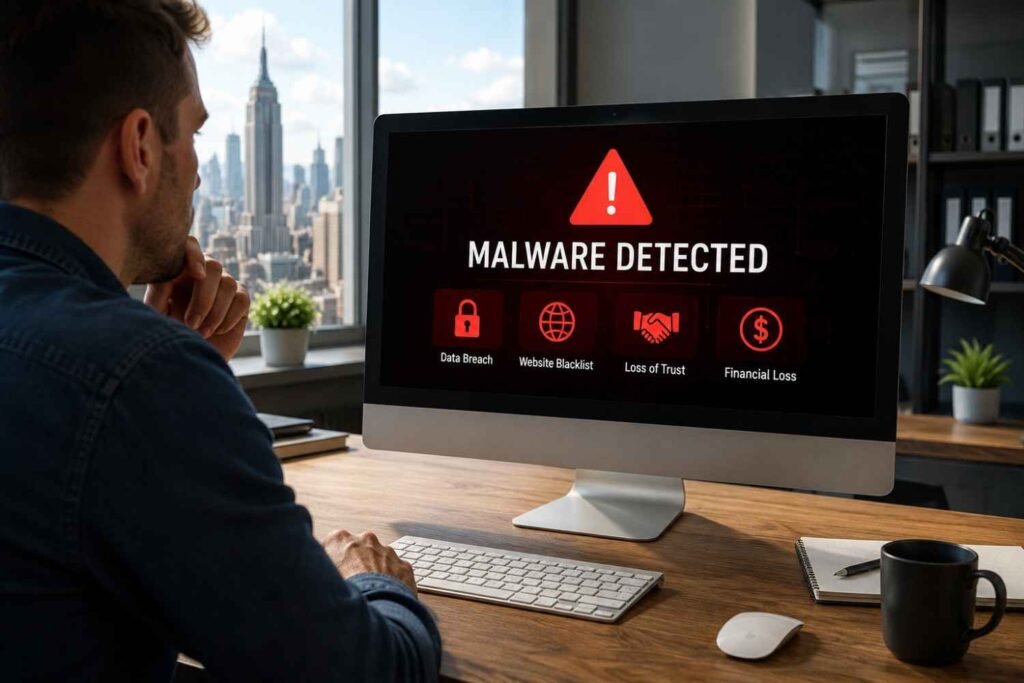
Website malware is any malicious code designed to exploit your website for someone else’s benefit. It might redirect visitors to suspicious websites, steal customer information, send spam emails, or quietly infect visitors’ devices without your knowledge.
One of the biggest misconceptions is that hackers manually break into every website they attack. In reality, many attacks are automated. Cybercriminals use bots that scan thousands of websites every day, looking for outdated plugins, vulnerable themes, exposed login pages, or weak administrator passwords. Once they find a weakness, malware can be installed within minutes.
The damage often goes beyond technical issues. Search engines may flag your website as unsafe, browsers can display security warnings, and customers quickly lose confidence when they encounter unexpected redirects or suspicious pop-ups. Recovering your reputation usually takes much longer than preventing the attack in the first place.
Keep Your Website Updated Before Problems Find You
Outdated software remains one of the most common reasons websites become infected. Every software update doesn’t just introduce new features. It often fixes security vulnerabilities that attackers already know how to exploit.
Update Your CMS, Plugins, and Themes
Whether your website runs on WordPress or another content management system, enabling automatic updates whenever possible is one of the easiest forms of website malware protection. Software developers regularly release security patches to close newly discovered vulnerabilities, and delaying updates leaves your website exposed.
If automatic updates aren’t available for everything, make it a habit to review pending updates every week. A few minutes of maintenance can prevent hours of recovery later.
Remove Software You No Longer Need
Unused plugins, themes, and extensions are easy to forget, but they can still become entry points for malware. Since they rarely receive attention, outdated versions often remain installed long after vulnerabilities have been discovered.
Review your website every few months and remove anything that no longer serves a purpose. Keeping only essential tools makes your website easier to manage and reduces unnecessary security risks.
Strengthen Your Login Security
Many malware infections begin with something surprisingly simple: someone successfully guessing a password.
Brute-force attacks rely on automated bots that repeatedly attempt different username and password combinations until one works. Even small websites experience these attacks every day because the process is fully automated.
Create Strong Passwords and Enable Multi-Factor Authentication
Strong passwords are still one of the most effective security measures available. Avoid common words, predictable number sequences, or passwords reused across multiple accounts. Password managers make it easy to generate and securely store long, unique passwords for every login.
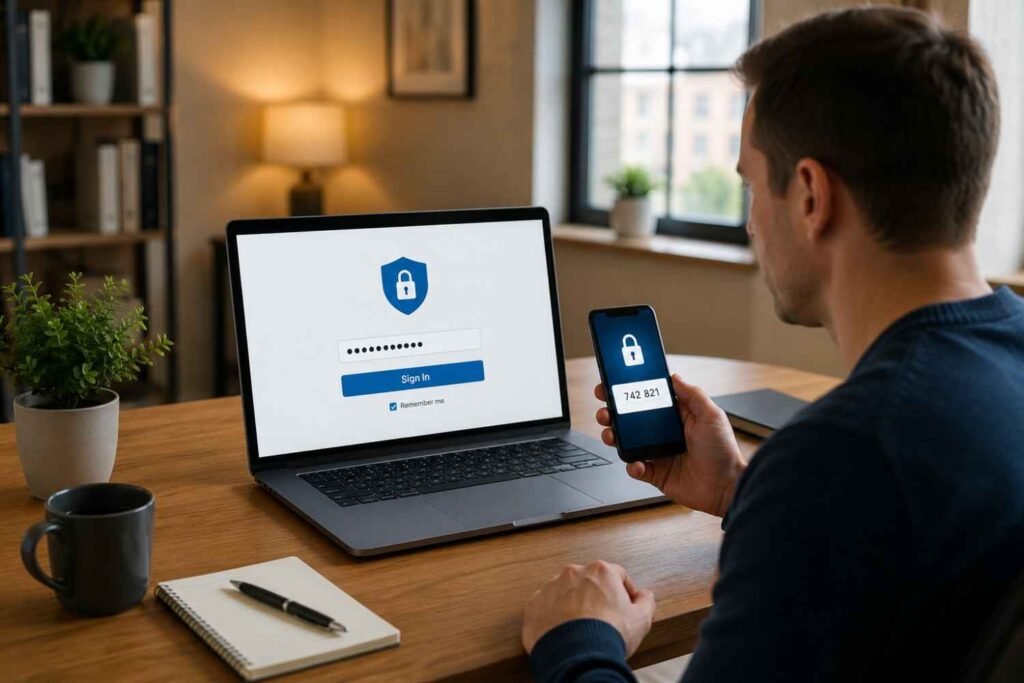
Adding multi-factor authentication creates another layer of protection. Even if someone manages to discover your password, they’ll still need a verification code generated on your phone or authentication app before gaining access.
Limit Administrator Access
Not everyone who contributes to your website needs full administrative privileges. The more administrator accounts you have, the larger your potential attack surface becomes.
Assign users only the permissions required for their responsibilities and remove inactive accounts promptly. Reviewing user permissions regularly helps reduce unnecessary security exposure while keeping account management organized.
Build Multiple Layers of Website Protection
No single tool can stop every cyber threat. The safest websites rely on multiple protective layers working together to detect suspicious activity before it becomes a serious problem.
Installing a reputable website security plugin is one of the easiest places to start. Many tools automatically scan your files for malware, monitor changes, detect suspicious login attempts, and alert you if unusual activity appears. Instead of constantly checking your website manually, these tools work quietly in the background.
A web application firewall (WAF) adds another important layer. Rather than waiting until harmful traffic reaches your server, a WAF filters requests before they ever reach your website. Services such as Cloudflare can automatically block known malicious bots, reduce the impact of distributed denial-of-service (DDoS) attacks, and improve website performance at the same time.
An SSL certificate also deserves attention. While many people associate SSL with the small padlock shown in a browser, its primary purpose is encrypting information exchanged between visitors and your website. That added encryption helps protect sensitive information while also improving trust with both visitors and search engines.
As your website grows, it’s worth reviewing best website security practices for small businesses to make sure your security approach evolves alongside your traffic, customer data, and business needs rather than relying only on basic protections that worked when your site first launched.
Small Security Habits That Make a Big Difference
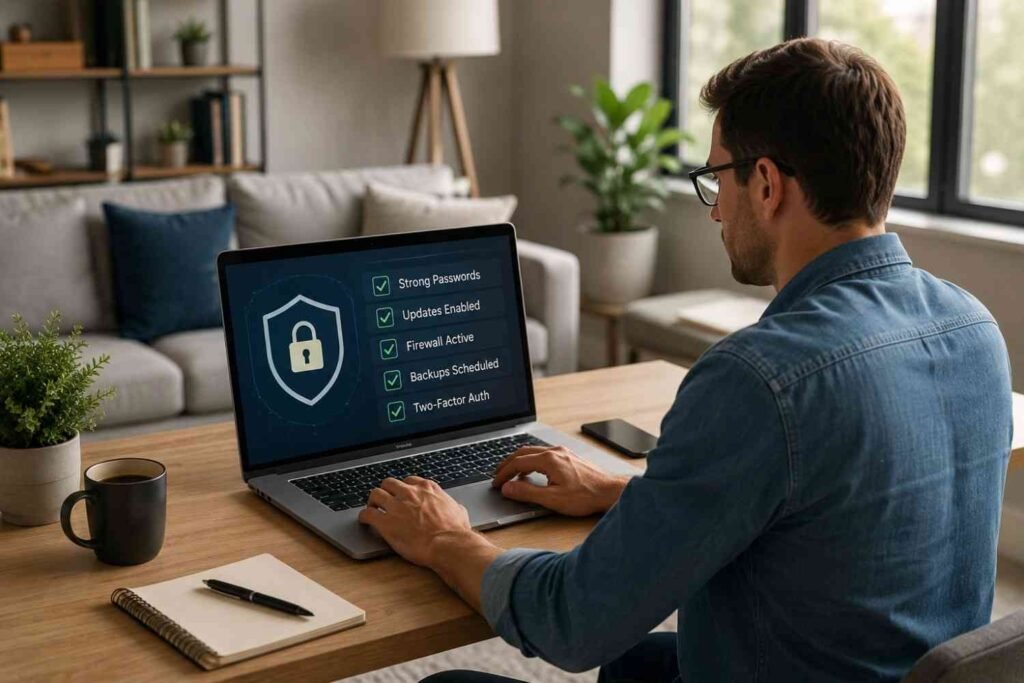
Good website security is built on consistency rather than one-time fixes. A few simple habits can significantly reduce your risk of malware attacks.
-
Enable automatic software updates whenever possible, remove unused plugins and themes, scan your website regularly, and use strong, unique passwords for every account.
-
Review administrator access periodically, monitor website activity, and verify that your backups are working before an emergency happens.