
I’ve noticed that many small online stores spend considerable time attracting visitors but overlook what happens when customers are ready to pay. A complicated checkout experience can turn interested shoppers into abandoned carts, especially on smartphones.
Understanding how to improve mobile checkout for small online stores means reducing unnecessary steps, simplifying payments, and making every interaction effortless. For US ecommerce businesses, the right changes can improve customer satisfaction without requiring expensive development.
In this guide, I’ll share practical mobile checkout optimization strategies that help small retailers create faster, simpler, and more trustworthy purchasing experiences.
Why Do Mobile Shoppers Abandon Their Checkout?
Mobile shopping offers convenience, but checkout forms can introduce unexpected challenges. Small screens, slow-loading pages, complicated payment processes, and surprise fees often interrupt purchases.
According to Baymard Institute’s checkout research, 17% of surveyed shoppers abandoned purchases because checkout was too long or complicated.
I recommend examining the complete purchasing journey before making changes. The objective is to eliminate friction while maintaining payment security and clear communication.
How Can Digital Wallets Make Mobile Checkout Faster?
Digital wallets are among the most effective ways to simplify online payments.
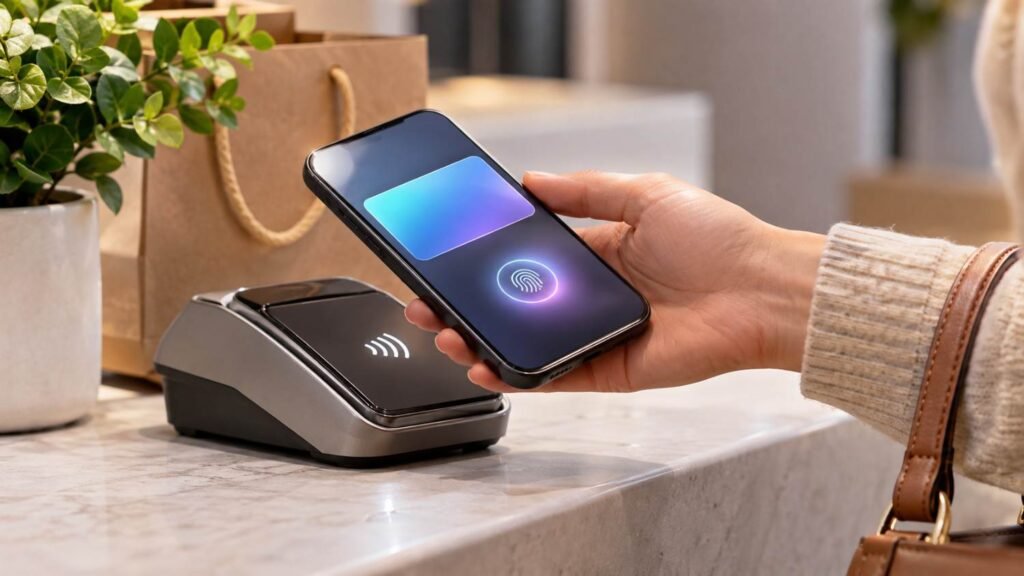
I recommend offering Apple Pay and Google Pay because eligible customers can authorize payments using Face ID, fingerprints, or device authentication. These methods can automatically supply stored payment and shipping details, reducing manual typing.
Shop Pay offers accelerated purchasing for supported Shopify checkouts, while PayPal provides another familiar option for US shoppers.
Where Should Express Checkout Buttons Appear?
Place eligible digital wallet buttons near the beginning of checkout. Depending on platform support, they can also appear on product and cart pages.
This allows customers to choose accelerated checkout before completing traditional forms.
Although digital wallets can substantially shorten checkout time, actual results depend on device compatibility, payment settings, and required order information.
How Do You Simplify Mobile Checkout Forms?
Typing lengthy information on a smartphone can frustrate potential buyers.
I suggest removing unnecessary fields and collecting only information required to process and deliver orders.
Where compatible with fulfillment systems, combining separate first-name and last-name inputs into one Full Name field can reduce visible form complexity.
Address autocomplete services, including Google Places API and Loqate, can help customers enter accurate delivery addresses with fewer keystrokes.
Developers should also configure appropriate mobile keyboards. Phone fields can use telephone input types, while applicable ZIP code and card-number fields can use numeric input modes.
Browser autofill and properly labeled fields further improve the mobile-friendly checkout design.
Why Should Small Ecommerce Stores Offer Guest Checkout?
Requiring account registration before purchasing creates an unnecessary obstacle for first-time customers.
I recommend enabling guest checkout by default and allowing shoppers to complete purchases without creating passwords.
After payment confirmation, stores can invite customers to create accounts using their existing order information.
This approach preserves convenience while providing opportunities to build long-term customer relationships.
For businesses working to reduce mobile cart abandonment, eliminating mandatory registration is an important starting point.
Is One-Page Checkout Better for Mobile Shoppers?
A well-designed single-page checkout can reduce navigation and make purchasing feel more straightforward.
However, one-page checkout is not automatically better than a short, clearly organized multi-step process.
I recommend evaluating both layouts based on form complexity, mobile usability, and customer behavior.
Whichever design you choose, customers should understand their progress and avoid repeatedly entering the same information.
How Can Mobile Checkout Design Improve Conversion Rates?
Effective e-commerce checkout best practices extend beyond payment options.
I recommend using large, thumb-friendly buttons with clear labels such as “Proceed to Checkout” or “Place Order.”
A sticky checkout button positioned near the bottom of the screen can keep the next action accessible. However, it should never cover form fields or interfere with mobile keyboards.
A collapsible order summary near the top of checkout can display product totals, shipping charges, and applicable sales taxes without occupying excessive screen space.
I also suggest removing distracting promotional banners, unnecessary navigation menus, and unrelated footer links during checkout. Essential support, legal, and accessibility information should remain accessible.
These improvements help customers concentrate on completing their purchases.
How Can Small Stores Improve Mobile Checkout Loading Speed?
Slow-loading checkout pages can discourage shoppers, particularly those using mobile data.
I recommend compressing images, removing unnecessary scripts, limiting third-party plugins, and choosing reliable website hosting.
Tools such as Google PageSpeed Insights can identify performance problems affecting mobile devices.
Test checkout pages on different smartphones, browsers, and internet connections. A checkout that works smoothly on office Wi-Fi may behave differently on a slower connection.
Faster loading supports a better e-commerce checkout experience.
Why Should Shipping Costs and Payment Security Be Clear?
Unexpected shipping charges and unclear payment policies can damage customer confidence.
US online stores should display delivery costs, estimated arrival dates, applicable sales taxes, and final order totals before customers authorize payments.
I also recommend using reputable payment processors, maintaining HTTPS, and displaying genuine customer reviews and accessible return policies.
Accurate security information and familiar payment methods help reassure first-time buyers.
How Do You Reduce Checkout Errors and Failed Payments?
Payment failures and confusing validation messages can interrupt otherwise successful purchases.
I suggest validating fields as customers enter information and explaining exactly what needs correction.
For example, a ZIP code error should identify the affected field rather than displaying a generic checkout failure.
If payment authorization fails, preserve the cart and entered information whenever possible. Offer an alternative payment method and a clear retry option without charging customers twice.
How Can You Measure Mobile Checkout Performance?
Knowing how to improve mobile checkout for small online stores also requires measuring whether your changes work.
Google Analytics 4 supports ecommerce events such as begin_checkout, add_payment_info, and purchase.
I recommend comparing checkout starts with completed purchases while monitoring performance by device type.
Checkout Completion Rate = Completed Purchases ÷ Checkout Starts × 100
If 200 shoppers begin checkout and 90 complete their purchases, the checkout completion rate is 45%.
Track results before and after individual changes. Digital wallets, simplified forms, and improved layouts may increase conversions, but actual results vary.
What Are the Cheapest Ways to Optimize Mobile Checkout?
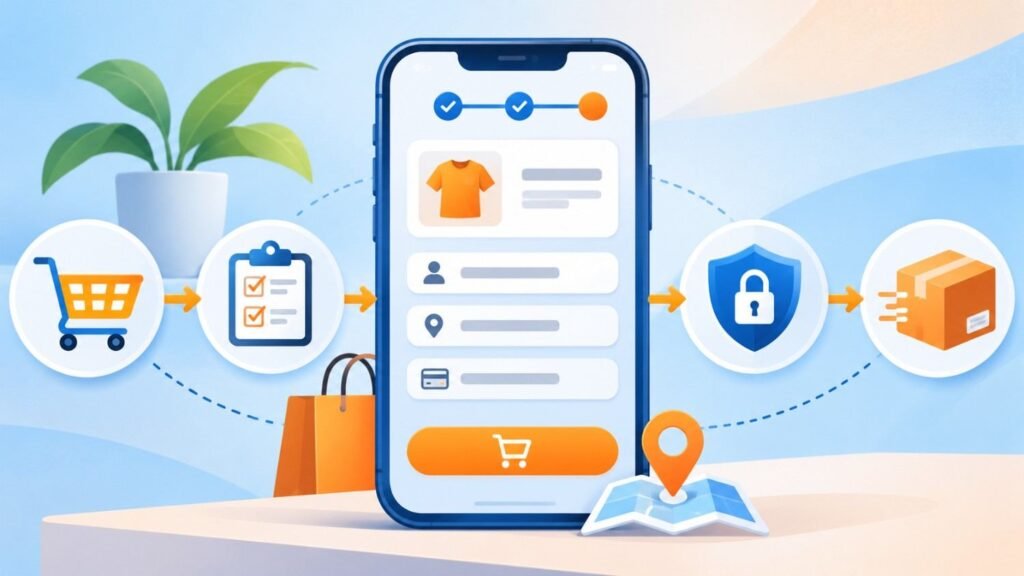
Small retailers can make meaningful improvements without rebuilding their websites.
I recommend beginning with existing Shopify or WooCommerce settings for guest checkout, supported digital wallets, and simplified forms.
Review plugin compatibility before adding extensions, and prioritize mobile usability, transparent pricing, and reliable payment processing. Retailers should also implement strong security measures to protect small business customer data from breaches while ensuring safe and seamless mobile transactions.
Focus on problems revealed by customer feedback and checkout analytics rather than purchasing unnecessary software.
Frequently Asked Questions (FAQs)
1. What Is the Fastest Way to Improve Mobile Checkout?
I recommend enabling guest checkout, offering supported digital wallets, and removing unnecessary form fields. These changes can reduce the effort required to complete mobile purchases.
2. Do Apple Pay and Google Pay Help Reduce Cart Abandonment?
They can reduce checkout friction by letting eligible customers use stored payment details and device authentication. However, conversion improvements depend on customers, devices, and checkout implementation.
3. Should Small Online Stores Use One-Page Checkout?
One-page checkout can simplify purchasing, but a well-designed multi-step checkout may work equally well. Test both options and compare completion rates.
4. How Can Small Businesses Reduce Mobile Checkout Abandonment Without Expensive Tools?
Start by simplifying forms, enabling guest checkout, improving mobile loading speed, displaying final costs clearly, and using existing platform payment features. Monitor the results through e-commerce analytics.
Conclusion
I believe successful mobile checkout optimization depends on making purchasing simple, transparent, and reliable. Customers should be able to move from shopping to payment without unnecessary typing, confusing navigation, or unexpected charges.
By enabling accelerated payments, improving mobile design, simplifying forms, and monitoring checkout performance, small retailers can create better shopping experiences.
Ultimately, how to improve mobile checkout for small online stores comes down to removing friction, building trust, and testing changes that genuinely help customers complete their purchases.