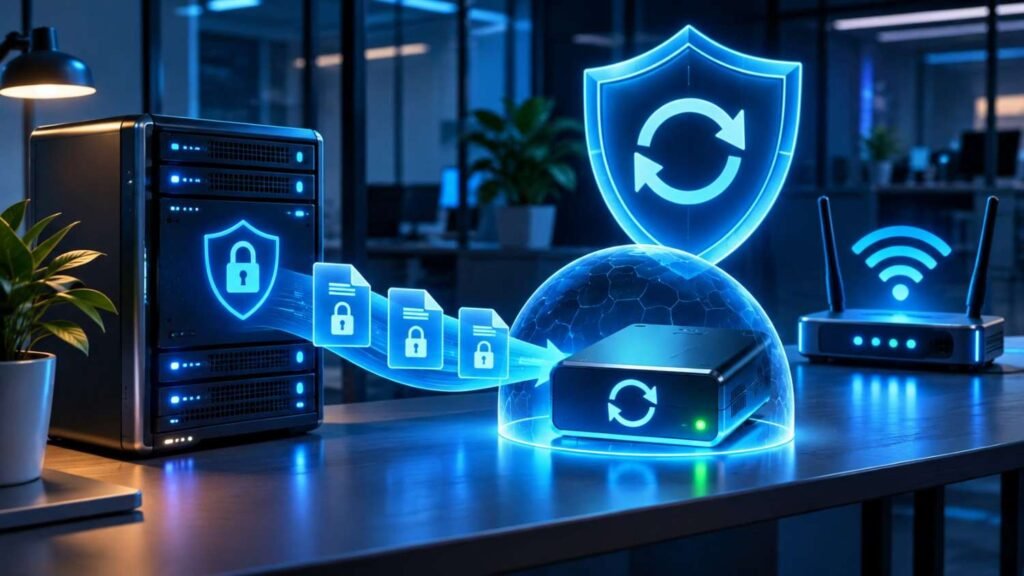
A single stolen password, an outdated website plugin, or one convincing phishing email can put years of customer trust at risk. For small business owners, data security isn’t just about preventing cyberattacks; it’s about protecting the people who depend on their services. When I started exploring how to protect small business customer data from breaches, I realized that some of the most effective security improvements don’t require expensive tools or advanced technical knowledge.
From securing payment transactions to limiting employee access and encrypting sensitive records, a few practical changes can make a meaningful difference. In this guide, I’ll explain the essential steps I can take to safeguard customer information, reduce costly security risks, and keep my business prepared for emerging cyber threats.
Why Are Small Businesses Vulnerable to Customer Data Breaches?
Small businesses frequently rely on cloud applications, online payment systems, and shared digital tools. While these technologies improve efficiency, they also introduce potential security vulnerabilities.
Cybercriminals exploit weak passwords, outdated software, phishing emails, and poorly protected customer databases. A successful attack can expose personal information, interrupt business operations, and create legal complications.
That’s why I treat cybersecurity for small businesses as an ongoing responsibility rather than a one-time technical investment.
1. How Can I Reduce Data Breach Risks by Collecting Less Customer Information?
Data minimization is one of the easiest customer data protection best practices I can implement.
I collect only the information necessary to provide services, process transactions, or meet legal obligations. For example, I avoid requesting birthdays, Social Security numbers, or government identification unless my business genuinely needs them.
I also establish retention policies and securely delete outdated customer records when legal or operational requirements no longer justify keeping them.
Reducing unnecessary information limits the amount of sensitive data exposed if attackers compromise a system.
2. How Can Third-Party Payment Processors Protect Customer Financial Data?
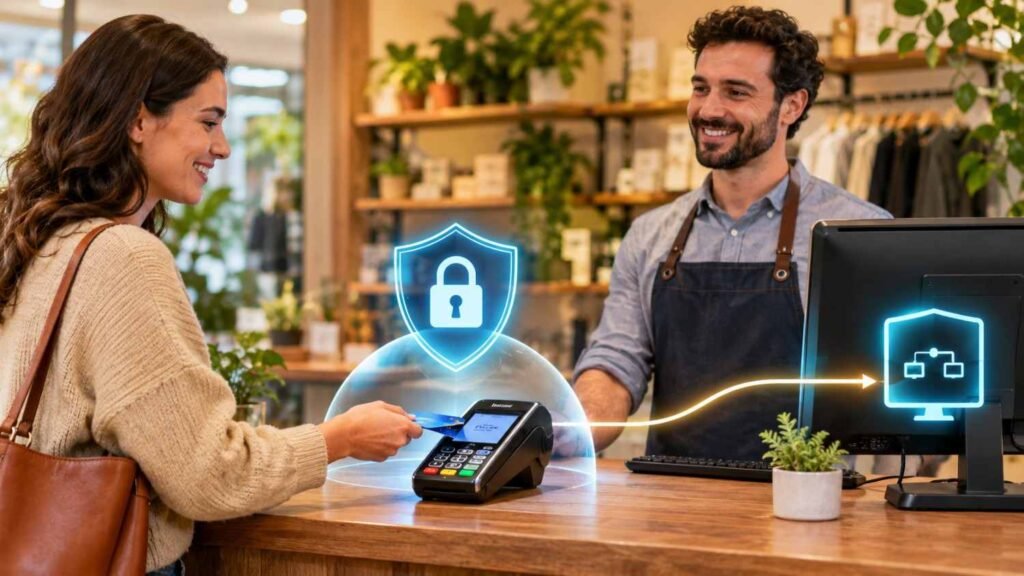
Processing payment information creates additional security responsibilities for small businesses.
Instead of storing credit card numbers myself, I prefer established payment processors such as Stripe or PayPal.
Properly configured hosted payment pages can send sensitive card information directly to the provider without passing it through my servers.
However, outsourcing payments doesn’t eliminate every security obligation. I still review the provider’s protections and applicable Payment Card Industry Data Security Standard (PCI DSS) requirements.
This approach reduces unnecessary financial data exposure while simplifying payment operations.
3. Why Should I Require Multi-Factor Authentication and Password Managers?
Weak or reused passwords create opportunities for unauthorized account access.
I require multi-factor authentication (MFA) across customer relationship management systems, business email, accounting software, and administrative accounts.
MFA requires another verification method beyond a password. When supported, I prefer phishing-resistant options such as passkeys or security keys.
I also encourage employees to use business password managers such as 1Password or Bitwarden.
These tools help generate and securely store unique passwords, reducing the risk created by credential reuse.
4. How Can Encryption Protect Customer Data on Websites and Devices?
Customer data encryption protects information during storage and transmission.
I configure my website to use HTTPS with properly implemented TLS encryption, especially for contact forms, account logins, and customer transactions.
For information stored on employee computers, I enable built-in device encryption such as BitLocker on supported Windows devices or FileVault on Mac computers.
Encryption helps prevent unauthorized individuals from reading protected files, although it must work alongside strong account security.
For me, learning how to protect small business customer data from breaches means securing both online transactions and the devices employees use daily.
5. How Do I Secure Business Wi-Fi Networks Against Cyberattacks?
An unsecured office network can expose business systems to unnecessary risks.
I change default router administrator credentials, install firmware updates, and enable WPA3 or appropriately configured WPA2-AES encryption.
I also create a separate guest Wi-Fi network so visitors cannot directly access internal business systems.
These basic network security measures help protect customer information and reduce unauthorized connections.
6. Why Are Regular Software Updates Essential for Customer Data Security?
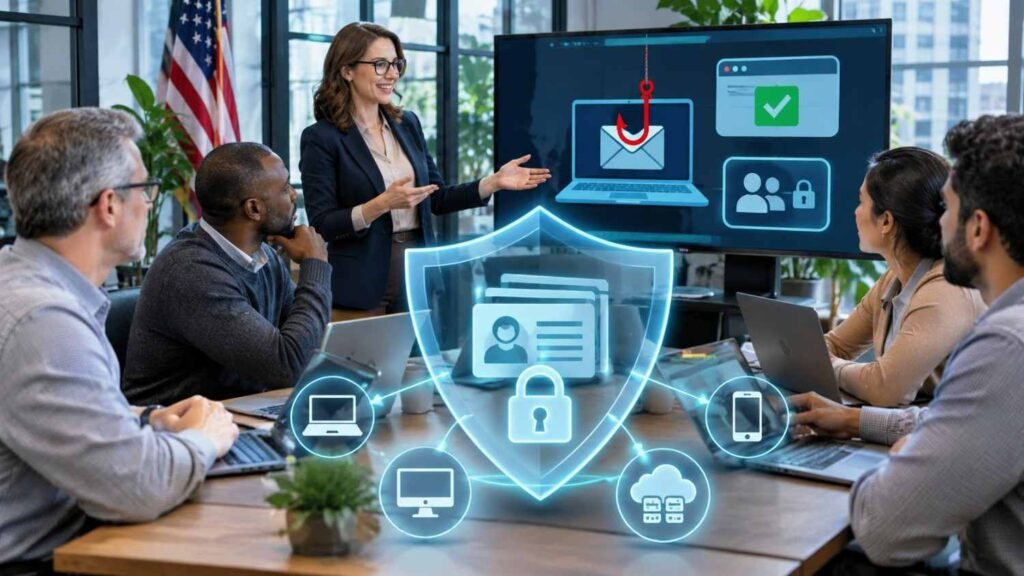
Outdated software may contain vulnerabilities that attackers can exploit.
I enable automatic security updates for operating systems, routers, website platforms, plugins, and business applications whenever practical.
I also remove unsupported software and unused website extensions.
For critical security patches, I prioritize prompt installation rather than waiting for routine maintenance.
Keeping systems updated is an affordable and effective way to strengthen small business data breach prevention.
7. How Can Employee Training and Access Controls Prevent Data Breaches?
Employees play an important role in protecting customer information.
I provide practical employee cybersecurity training that explains phishing emails, suspicious attachments, fraudulent login pages, and unexpected payment requests.
For example, employees should verify unusual requests to change vendor banking details through an established contact method.
I also follow the principle of least privilege. This means employees receive access only to the customer records necessary for their jobs.
Regular permission reviews and immediate removal of former employees’ accounts further reduce unnecessary exposure.
8. How Often Should I Back Up Customer Data?
Backups help businesses recover from ransomware, accidental deletion, and equipment failure.
I schedule automated backups of critical customer records and important business documents.
Whenever possible, I maintain an isolated or otherwise protected backup copy that attackers cannot easily modify.
I also test restoration procedures periodically to confirm that backups actually work.
A reliable recovery plan can minimize downtime and support business continuity following a cybersecurity incident.
9. How Can I Keep Customer Information Safe With Third-Party Vendors?
Small businesses often depend on CRM platforms, cloud storage providers, marketing services, and external software developers.
Before sharing customer information, I review each provider’s security practices, authentication features, data retention policies, and incident notification procedures.
I restrict unnecessary integrations and limit vendor access to sensitive records.
Choosing reliable service providers strengthens customer data security throughout the business.
10. What Should I Do Immediately After a Customer Data Breach?
Even with strong preventive measures, no organization can eliminate every cybersecurity risk.
If I discover a possible breach, I work to contain the incident, secure affected accounts, preserve evidence, and investigate the exposure.
I also determine whether customers, regulators, business partners, or law enforcement must be notified.
US breach notification requirements vary by state and circumstances. Certain businesses may also have obligations under HIPAA, the FTC Safeguards Rule, or other applicable regulations.
Following the FTC’s data breach response guidance helps me organize a responsible response.
Frequently Asked Questions (FAQs)
1. What Is the Best Way to Protect Small Business Customer Data From Breaches?
The most effective approach combines data minimization, strong passwords, MFA, encryption, regular updates, employee training, restricted access, and reliable backups. No single security measure prevents every attack.
2. How Much Does Cybersecurity Cost for a Small Business?
Costs depend on business size, technology, and security needs. Many essential protections, including automatic updates, built-in device encryption, and MFA, are available at little or no additional cost.
3. Can Small Businesses Secure Customer Information Without an IT Team?
Yes. Business owners can implement basic cybersecurity measures using reputable software, secure payment services, and documented employee procedures. External specialists can assist with advanced security requirements.
4. How Often Should Businesses Review Customer Data Security?
I recommend reviewing employee access and backup health regularly, applying critical updates promptly, and conducting a broader cybersecurity assessment at least annually or after major system changes.
Conclusion: How Can I Maintain Strong Customer Data Security?
I believe protecting customer information requires consistent action, not complicated technology. Data minimization, secure payment processing, MFA, encryption, software updates, employee training, and reliable backups create meaningful layers of protection. Businesses managing distributed workforces can also benefit from using the best time tracking tools for remote teams that offer secure access controls and reliable employee data protection.
By understanding how to protect small business customer data from breaches, I can reduce security risks, strengthen customer confidence, and build a more resilient business.