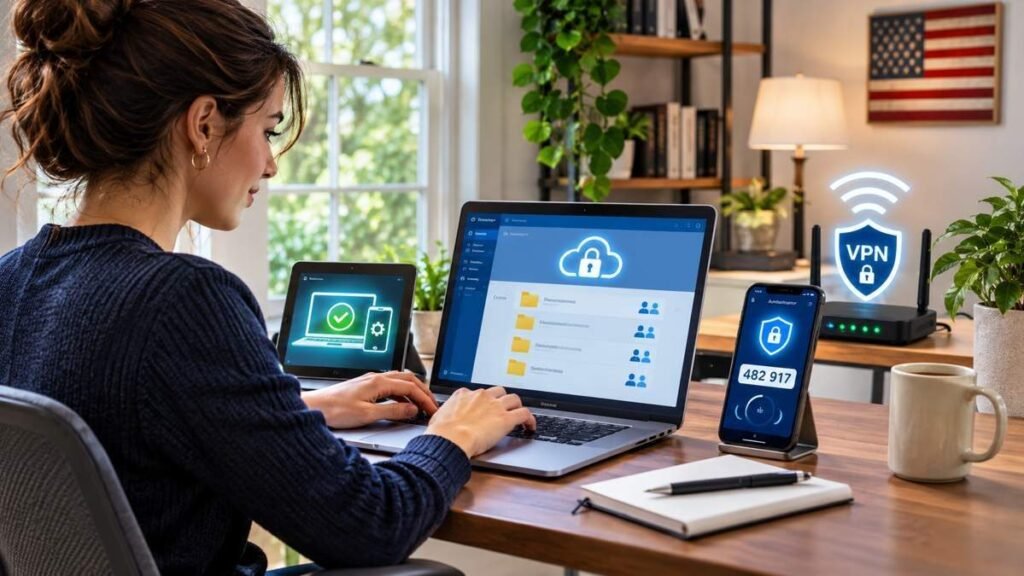
Remote employees access confidential business documents from home offices, coffee shops, and shared workspaces. While this flexibility improves productivity, it also creates opportunities for unauthorized access, accidental data leaks, and cyberattacks.
I’ve learned that understanding how to securely share business files with remote employees requires more than sending password-protected documents. Businesses need encrypted cloud storage, controlled permissions, secure devices, and reliable authentication.
Whether you’re managing a small US business or a growing distributed workforce, I’ll explain how to protect sensitive information without making everyday collaboration unnecessarily complicated.
Why Is Secure File Sharing Important for Remote Teams?
Remote employees regularly exchange customer records, financial statements, contracts, and internal reports. Without proper protection, these documents can fall into the wrong hands through compromised accounts or unrestricted links.
Secure file sharing for remote teams reduces these risks by limiting access to approved users.
I recommend creating a centralized document-sharing policy that explains where employees should store files, who can access them, and how to handle confidential information.
Which Cloud Platforms Are Best for Secure Business File Sharing?
Choosing the right platform is essential for encrypted business file sharing. Fortunately, several established services offer security features designed for distributed workplaces.
Microsoft OneDrive and SharePoint
Microsoft 365 works particularly well for companies using Word, Excel, Outlook, and Teams.
OneDrive and SharePoint support centralized administration, granular permissions, and Microsoft Purview Data Loss Prevention (DLP). Microsoft Entra Conditional Access can also restrict access based on identity, device compliance, and other conditions.
Google Drive and Google Workspace
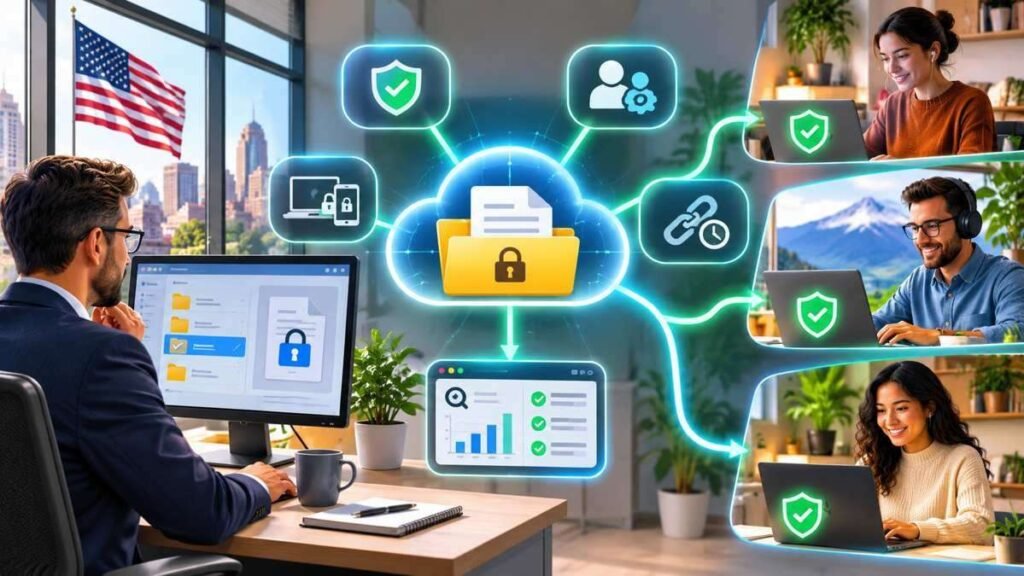
Google Workspace supports real-time document collaboration, two-step verification, access logs, and controlled sharing links.
Eligible accounts can configure expiration dates for temporary collaborators, making it useful for businesses working with contractors.
Box and Dropbox Business
Box and Dropbox Business offer enterprise-oriented collaboration controls and AES-256 encryption for stored files.
Both support controlled sharing and administrative oversight, although specific capabilities depend on the subscription.
Bitwarden Send and OnionShare
For particularly sensitive transfers, Bitwarden Send supports encrypted messages and files through temporary links with optional passwords and expiration settings.
OnionShare enables file transfers through the Tor network without requiring a conventional third-party cloud storage account.
These specialized tools complement rather than replace managed business collaboration platforms.
How Do You Control Employee Access to Confidential Files?
Role-Based Access Control (RBAC) is one of the most effective business file-sharing best practices.
RBAC assigns permissions according to employee responsibilities. I recommend following the principle of least privilege, which means allowing employees to access only the documents necessary for their work.
For example, an HR employee may need editing permissions for payroll records, while a department manager only requires viewing access.
Use view-only or commenter permissions whenever editing isn’t necessary. Where supported, configure additional restrictions on downloading, copying, and printing.
However, these restrictions cannot completely prevent screenshots or photographs.
I also recommend reviewing access permissions quarterly and immediately updating them when employees change roles or leave the organization.
How Can MFA and Single Sign-On Prevent Unauthorized Access?
Strong authentication is essential for cloud storage security for businesses.
Multi-Factor Authentication (MFA) requires employees to verify their identities using another factor beyond their password, such as an authenticator app, passkey, or security key.
Microsoft research found that MFA reduced account compromise risk by approximately 99.22% among the accounts studied. However, it cannot prevent every cyberattack.
Single Sign-On (SSO) adds centralized authentication through identity providers such as Microsoft Entra ID or Google Workspace.
I recommend combining SSO with phishing-resistant MFA whenever possible. This simplifies account management and reduces reliance on separate passwords.
How Can Businesses Secure Remote Devices and Networks?

Remote employee data protection also depends on securing the laptops, smartphones, and networks employees use.
I recommend implementing Mobile Device Management (MDM) to enforce device encryption, automatic updates, screen locks, and password requirements.
MDM can also help administrators remotely remove managed company information when supported devices are lost or stolen.
For internal company systems, businesses can use a Virtual Private Network (VPN) or Zero Trust Network Access (ZTNA).
ZTNA can enforce identity-based and device-based access restrictions, while VPNs provide encrypted connections to protected networks.
Employees accessing cloud services over HTTPS don’t automatically need a separate VPN, but businesses should assess network risks and company policies.
How Do You Share Sensitive Documents Without Exposing Them?
When deciding how to securely share business files with remote employees, I recommend using restricted cloud links instead of distributing multiple email attachments.
Although modern email services often encrypt messages in transit, attachments may remain accessible after delivery and can be difficult to revoke.
Choose recipient-specific links, configure expiration dates, and use password-protected file sharing when appropriate.
For external contractors, provide temporary access rather than permanent permissions.
For example, a US accounting firm sharing tax documents with a remote contractor could grant access to a restricted folder, require MFA, and revoke access when the assignment ends.
These precautions improve secure document collaboration without disrupting established workflows.
How Can You Monitor File Sharing and Avoid Security Mistakes?
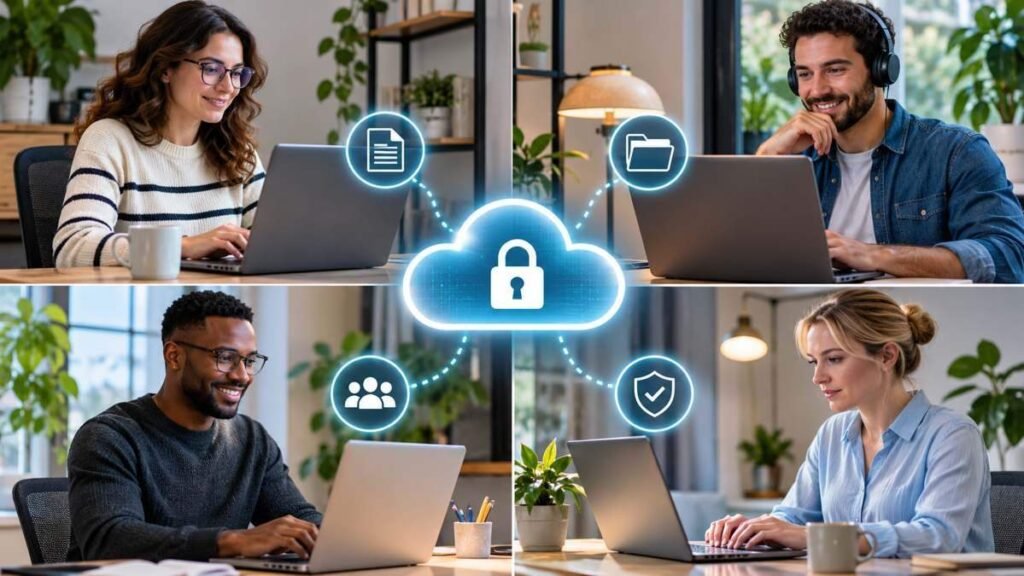
Secure remote document access requires continuous monitoring.
I recommend reviewing audit logs for suspicious downloads, unexpected permission changes, and unusual external sharing activity. Businesses evaluating the best time tracking tools for remote teams should also consider how these platforms protect employee information and integrate with secure document management systems.
Businesses should also establish formal onboarding and offboarding procedures. When employees leave, disable their accounts, terminate active sessions, transfer necessary file ownership, and remove external access.
Avoid personal Google Drive, Dropbox, or iCloud accounts for confidential company information.
Employee cybersecurity training should explain phishing attempts, secure sharing procedures, and how to report accidental disclosures.
For US organizations, applicable state privacy laws and breach-notification requirements may affect data handling. HIPAA-regulated organizations must also safeguard electronic protected health information.
The Federal Trade Commission and National Institute of Standards and Technology provide additional guidance for strengthening business cybersecurity.
Frequently Asked Questions (FAQs)
1. What Is the Safest Way to Share Confidential Files With Remote Employees?
Use an encrypted, company-managed cloud platform with recipient-specific permissions, MFA, and expiring links. Restrict downloads when appropriate and regularly review access.
2. Is Google Drive Secure Enough for Business File Sharing?
Google Workspace can support secure business collaboration when administrators properly configure access controls, authentication, sharing restrictions, and monitoring features.
3. Should Remote Employees Use a VPN to Access Company Files?
A VPN is particularly useful for accessing internal business networks. Companies may also use ZTNA for more granular access controls. The appropriate solution depends on the applications, devices, and risks involved.
4. How Often Should Businesses Review Employee File Permissions?
I recommend quarterly permission audits, alongside immediate access changes when employees switch roles, complete contracts, or leave the organization.
Conclusion
I believe secure file sharing should protect confidential information while allowing employees to work efficiently from anywhere.
The most effective approach to how to securely share business files with remote employees combines encrypted storage, RBAC, MFA, SSO, managed devices, temporary sharing links, and regular security audits.
Start by reviewing your existing permissions and identifying unnecessary exposure. Small, consistent improvements can make remote collaboration safer while helping your business maintain productivity and customer trust.